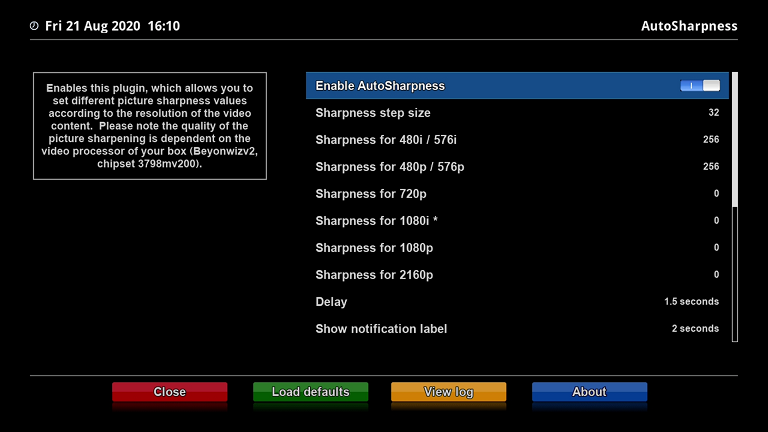
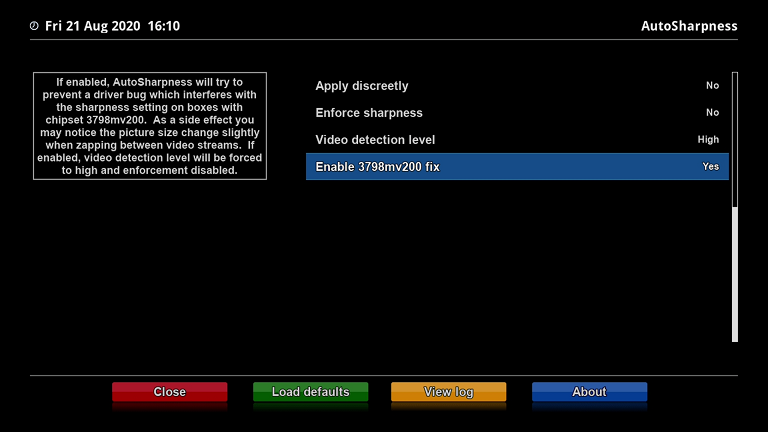
AutoSharpness is a plugin application for Enigma2-based PVRs which allows you to set different picture sharpness values according to the resolution of the video content. It was created to try and make low resolution TV broadcasts more watchable without affecting HD content. Please note the quality of the picture sharpening is dependent on the video processor of your PVR.
AutoSharpness was written and tested on a Beyonwiz V2 PVR. Theoretically it should also run on other PVRs which use the Enigma2 system. The PVR must support video sharpness control via the system process path /proc/stb/vmpeg/0/pep_sharpness.
-
Download the .ipk file from the download section and copy it to a USB drive.
-
Insert the drive into the PVR and follow the on-screen instructions. Otherwise, use the PVR's file explorer to manually run the .ipk file.
-
After installation is complete, restart the PVR.
-
Launch AutoSharpness from the system plugins menu, or via the quick access menu (blue button on Beyonwiz).
Navigate to the system plugins menu and select 'remove plugins'. Select the AutoSharpness plugin, then restart the PVR after removal is complete.