My new website / portfolio, version 2025, using new technologies base on JavaScript / Nodejs, using Astrojs
-
Research on new tech
-
refesh the portfolio
-
Release this static website on netlify
-
Avoid js on final result of project.
-
take advantage of image optimization offered by the framework
-
JavaScript / TypeScript
-
Vanilla CSS, like previous, taking advantage of flex and css grid
-
AstroJS
Inside of your Astro project, beside recommend folders,
was added: json folder and assets folder:
/
├── public/
│   └── favicon.svg

├── src/
│   ├── assets/                # images, icons, fonts
│   ├── components/
│   │   ├── AboutCourseList.astro
│   │   ├── AboutInfo.astro
│   │   ├── AboutWorkList.astro
│   │   ├── Accordion.astro
│   │   ├── Card.astro
│   │   ├── Footer.astro
│   │   ├── Menu.astro
│   │   └── SkillTable.astro
│   │
│   ├── json/
│   │   ├── cert.json
│   │   ├── edu.json
│   │   ├── frameworks.json
│   │   ├── me.json
│   │   ├── pkgs.json
│   │   ├── software.json
│   │   ├── tech.json
│   │   └── work.json
│   │
│   ├── layouts/
│   │   ├── Layout.astro
│   │   └── MdProjectLayout.astro
│   │
│   ├── styles/                # Global CSS
│   │
│   └── pages/
│       ├── index.astro
│       ├── about-me.astro
│       ├── social.astro
│       ├── skills.astro
│       │
│       └── projects/
│           ├── index.astro
│           ├── [name-of-poject].md
│
└── package.json
this file has the follow info that it is needed to be filled:
---
layout: ../../layouts/MdProjectLayout.astro
title: ''
image:
  url: '/src/assets/img/
see: 'https://'
order: 1
---

Description

**The goal of this projects is**:


**Technologies**:


**Frameworks | Libraries | API**:
- homepage

- about

- Projects

- Skills

- Social

npm create astro@latest -- --template basics
🧑🚀 Seasoned astronaut? Delete this file. Have fun!
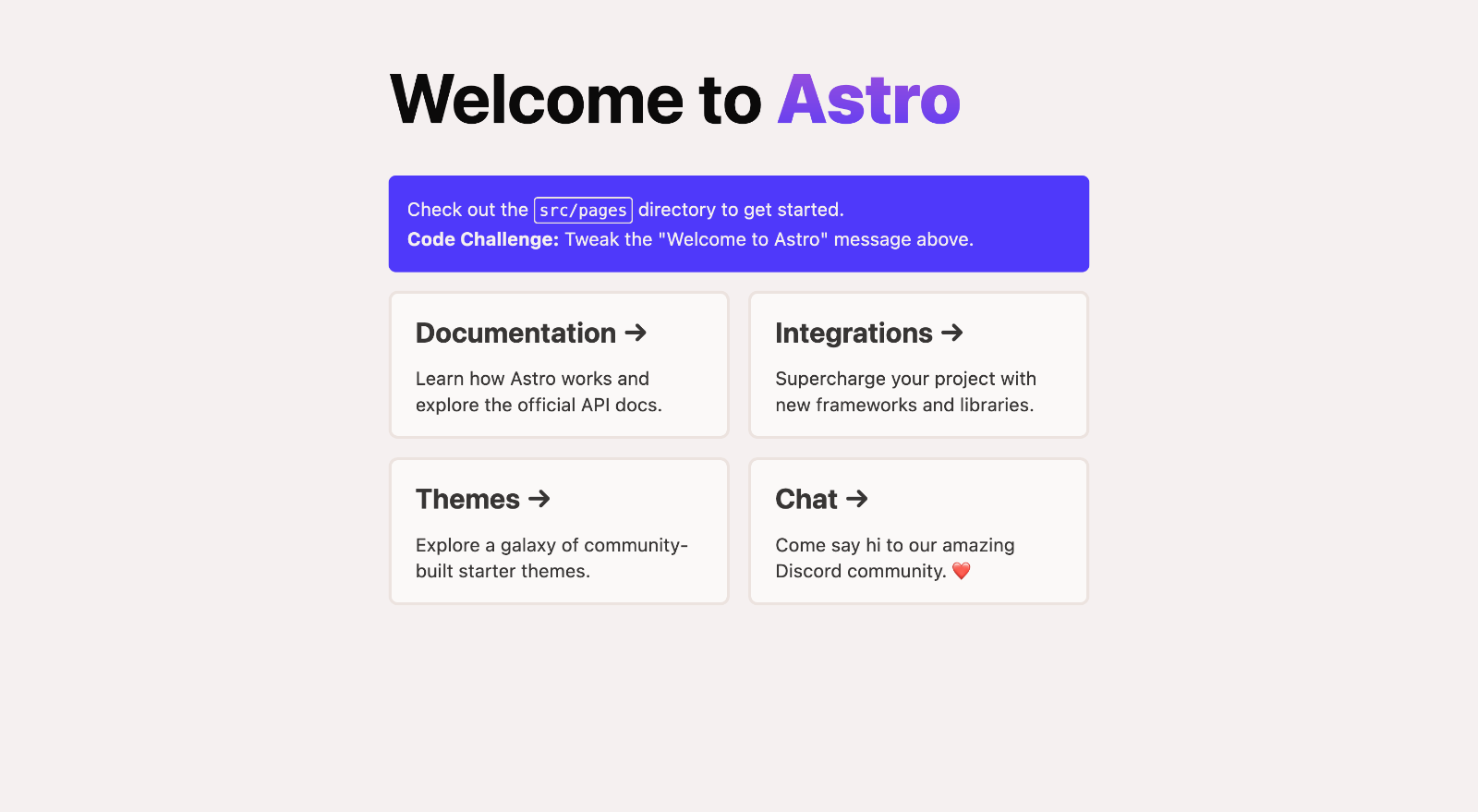
Inside of your Astro project, you'll see the following folders and files:
/
├── public/
│   └── favicon.svg
├── src/
│   ├── components/
│   │   └── Card.astro
│   ├── layouts/
│   │   └── Layout.astro
│   └── pages/
│       └── index.astro
└── package.json
Astro looks for .astro or .md files in the src/pages/ directory. Each page is exposed as a route based on its file name.
There's nothing special about src/components/, but that's where we like to put any Astro/React/Vue/Svelte/Preact components.
Any static assets, like images, can be placed in the public/ directory.
All commands are run from the root of the project, from a terminal:
| Command | Action |
|---|---|
npm i |
Installs dependencies |
npm start |
Starts local dev server at localhost:3000 |
npm run build |
Build your production site to ./dist/ |
npm run preview |
Preview your build locally, before deploying |
npm run astro ... |
Run CLI commands like astro add, astro check |
npm run astro --help |
Get help using the Astro CLI |
Feel free to check our documentation or jump into our Discord server.