


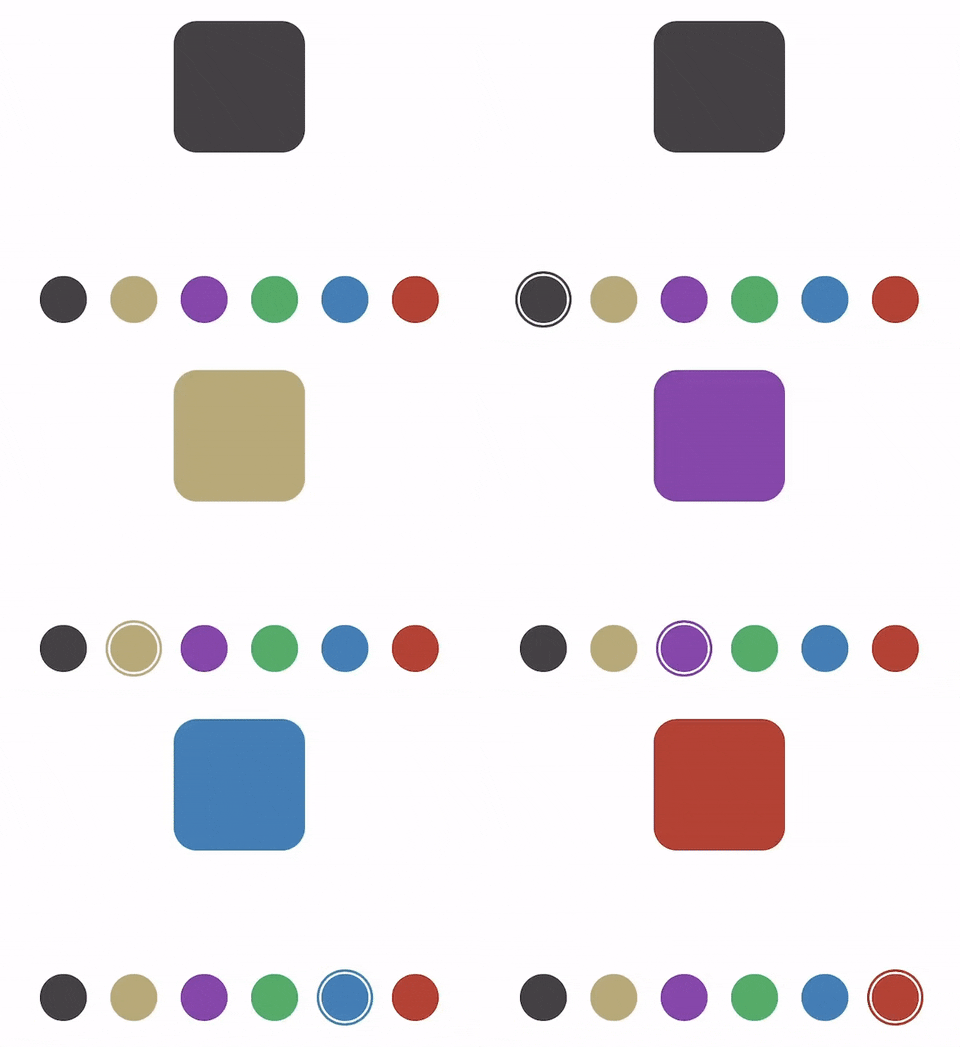
HKColorPicker is simple control for selecting a color from a small set of predefined colors.
Drag a UIView object and set the class to HKColorPickerView.
Make sure to set the size of the view so it displays correctly. Now you can customize the
properties in the IB as shown in the figures.
To be notified when the a color is selected, create an @IBAction on ValueChanged control event.

Note that colors can be only set via code, and number of buttons will change according to the number of colors. The numbers property in the storyboard is only for preview.
	let picker = HKColorPickerView()
	picker.colors = [UIColor.red, UIColor.blue, UIColor.green]
colorPicker.addTarget(self, action: #selector(updateColor), for: .valueChanged) ///number of buttons, only for storyboard
@IBInspectable public var number: Int = 6
///spacing between buttons if centered
@IBInspectable public var spacing: CGFloat = 10
///center or full width layout
@IBInspectable public var centered: Bool = false
///available colors
public var colors = [UIColor.red, UIColor.blue, UIColor.green]
///return selected color
public var selectedColor: UIColor?
///selected color index
public var selectedColorIndex: Int?HKColorPicker is available via CocoaPods. Add the following line to your podfile:
pod 'HKColorPicker'I'm Hasan Kassem. I develop apps for iOS and Android.
Twitter: @hasankassem_ | Instagram: @hasankassem_ | Email: hello@hasankassem.com
HKColorPicker is available under the MIT license. See the LICENSE file for more info.