If you haven’t already, check out our contributing guidelines for onboarding and email contributors@expensify.com to request to join our Slack channel!
Problem:
It is not obvious that a workspace name and icon can be edited by clicking the workspace avatar in the workspace configuration screen:

Solution:
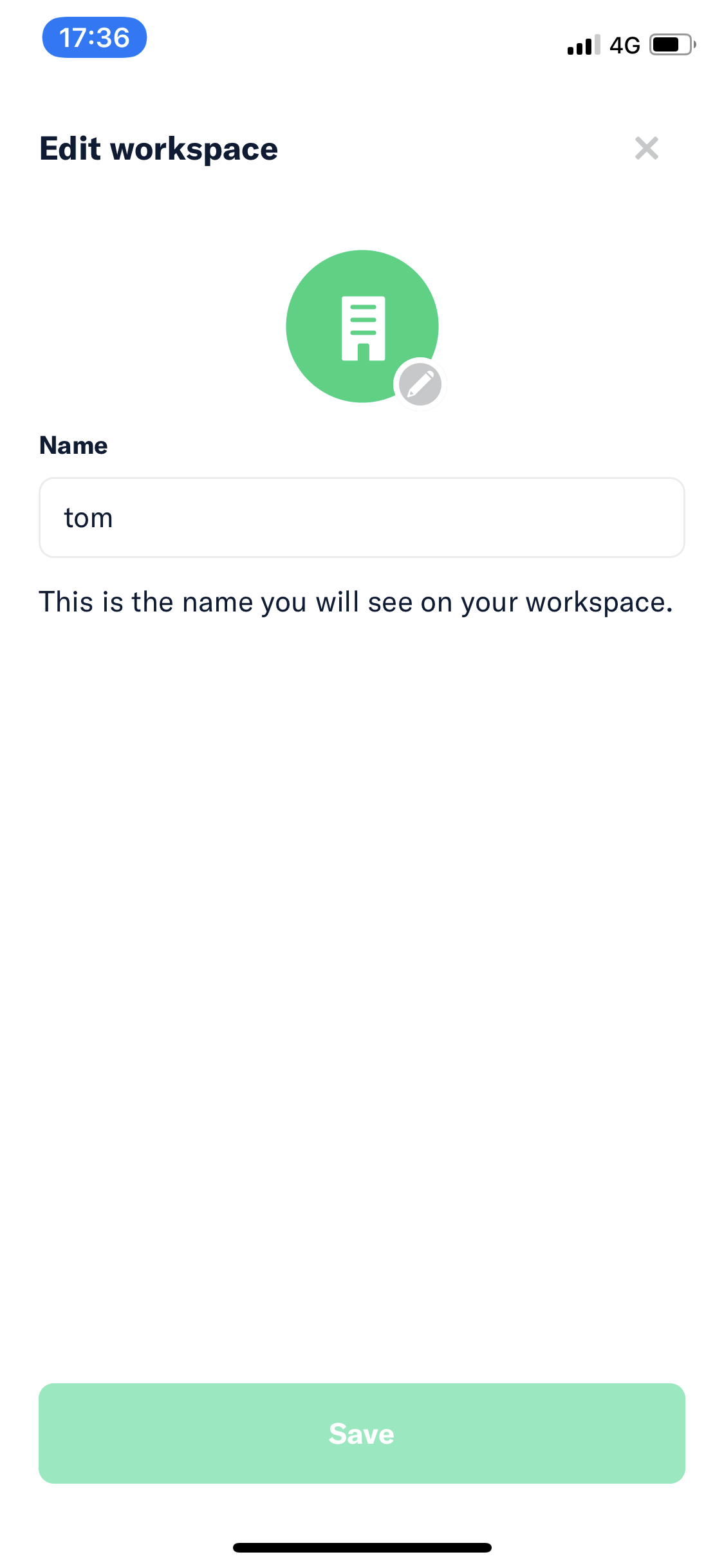
Add an Edit Icon to Workspace Avatar like we do on the Edit Workspace screen:
View all open jobs on GitHub
Internal: Slack discussion
If you haven’t already, check out our contributing guidelines for onboarding and email contributors@expensify.com to request to join our Slack channel!
Problem:
It is not obvious that a workspace name and icon can be edited by clicking the workspace avatar in the workspace configuration screen:

Solution:
Add an Edit Icon to Workspace Avatar like we do on the Edit Workspace screen:

View all open jobs on GitHub
Internal: Slack discussion