Show thumbnails in result lists#1780
Conversation
|
This pull request introduces 1 alert when merging 78e0769 into ca4f2cc - view on LGTM.com new alerts:
|
 tdonohue
left a comment
tdonohue
left a comment
There was a problem hiding this comment.
@mspalti : Thanks for this improvement! Overall, the basics here work, but I did run into a few bugs and I have a few suggestions to improve the code.
First, the bugs...
- When thumbnails are enabled, they mess up the alignment of some Entities in those same results list. Here's an example from Browse By Title of the alignment when you have both Publications and Research Projects in the same list:
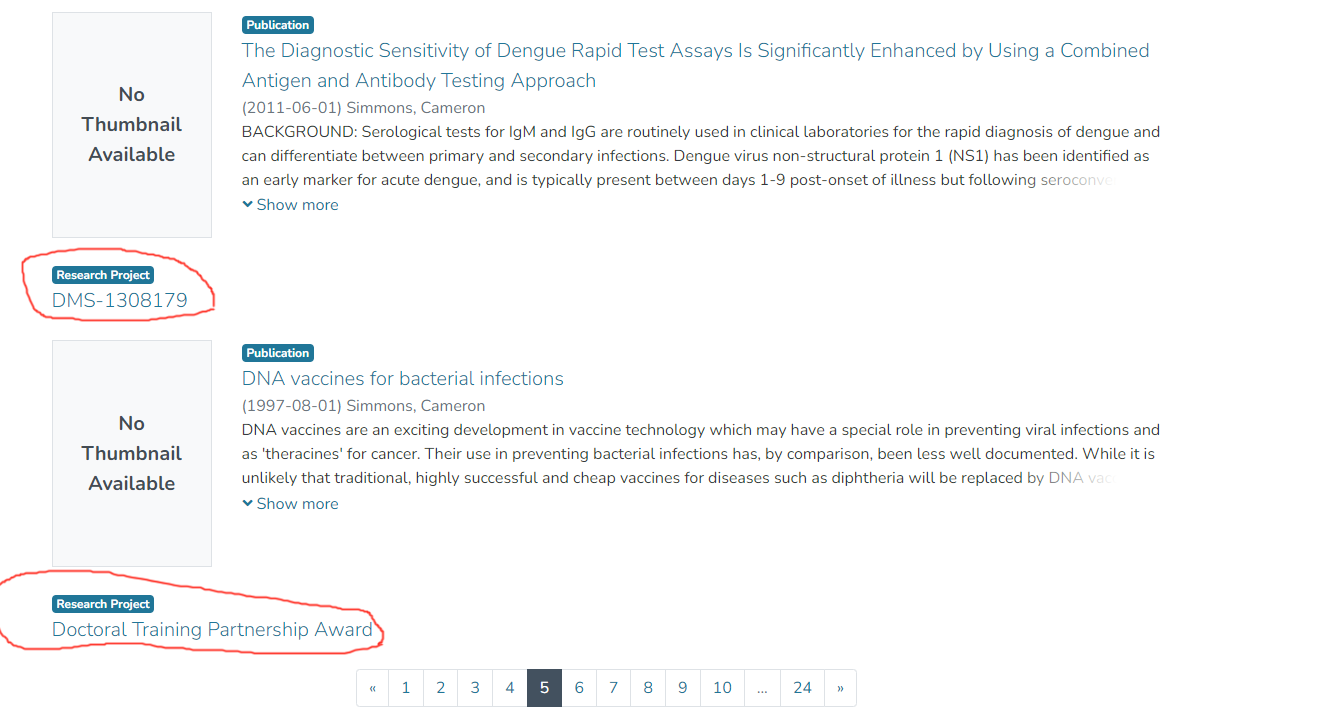
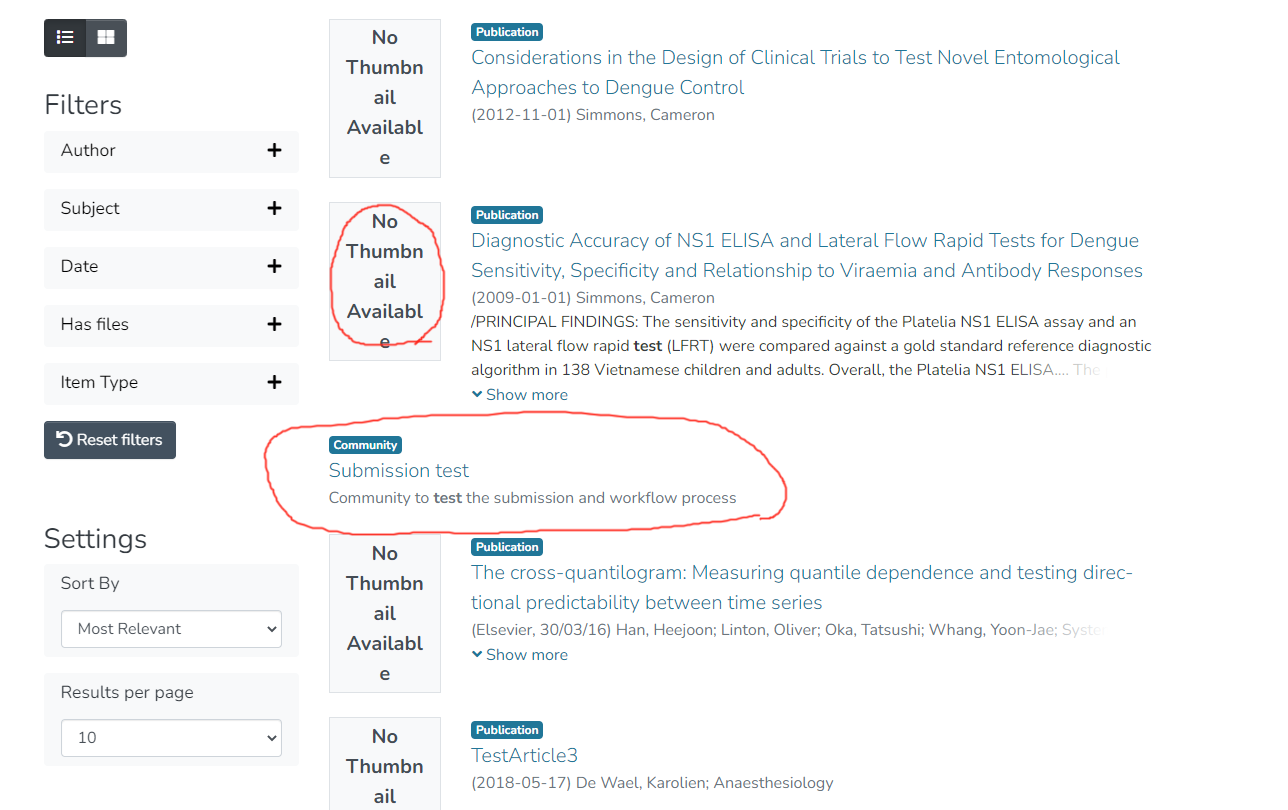
I think there's two possible solutions here. Either display "No Thumbnail Available" for all entity types, or just make sure there's an empty column placeholder so that the titles align properly. - Another bug I noticed is in the display of the "No Thumbnail Available" image in search results. The text wraps very oddly. Also this screenshot shows an example of how Collections matching a search also get misaligned with Publications/Items in the same list.
As for the code itself, it looks good overall, but I did notice a few things that could use cleanup:
- There's an odd
src/app/collection-page.tar.gzfile added by this PR, likely by accident. It should be removed. - I noticed there's no specs/tests for these changes. Is there some way to at least provide some basic specs to verify the thumbnails appear when enabled & disappear when not enabled? If it's not easy to do in basic specs, maybe we think about enhancing e2e tests for this PR?
- Finally, I have some suggestions on how to rename/refactor the configuration here (see inline below).
Overall though, I'm very glad to see this work! I don't think any of these requested changes should require massive code refactors (the largest request is likely the request for some specs).
config/config.example.yml
Outdated
| defaultLowerLimit: 1900 | ||
|
|
||
| # If true, thumbnail images for items will be added to search and browse result lists. | ||
| showItemThumbnails: false |
There was a problem hiding this comment.
I'd recommend we consider renaming this to align better with other configs. Arguably, this setting only impacts two sections of the UI -- browse by & search.
So, I'd propose we consider moving this under the existing browseBy configs:
browseBy:
  ...
  showItemThumbnails: true
We could either document that it's also used by Search results... or we could implement a second config which is specific to search results (as I suspect we'll end up having more search configs anyways).
search:
  showItemThumbnails: true
In any case, my point is this isn't really a global configuration, so we should likely rename it to better describe the purpose.
I'd also recommend we enable it by default (as implied above) as I suspect most people will want thumbnails shown.
There was a problem hiding this comment.
I'm looking into the "no thumbnails" text problem. This should ultimately be an easy fix but I'm trying to decide on the best approach.
The problem is a little tricky because we have 3 different layouts for Item, search and browse views. Ideally text should just resize with the width of the thumbnail flex container but we may instead need to tap into the Angular component lifecycle and set the font-size after the layout is rendered...but I'd really prefer a pure css solution. (An svg image won't work because we do translations.)
There was a problem hiding this comment.
In terms of config, to me it makes sense to have both search and browseBy configurations.
04098be to
ccb4c07
Compare
|
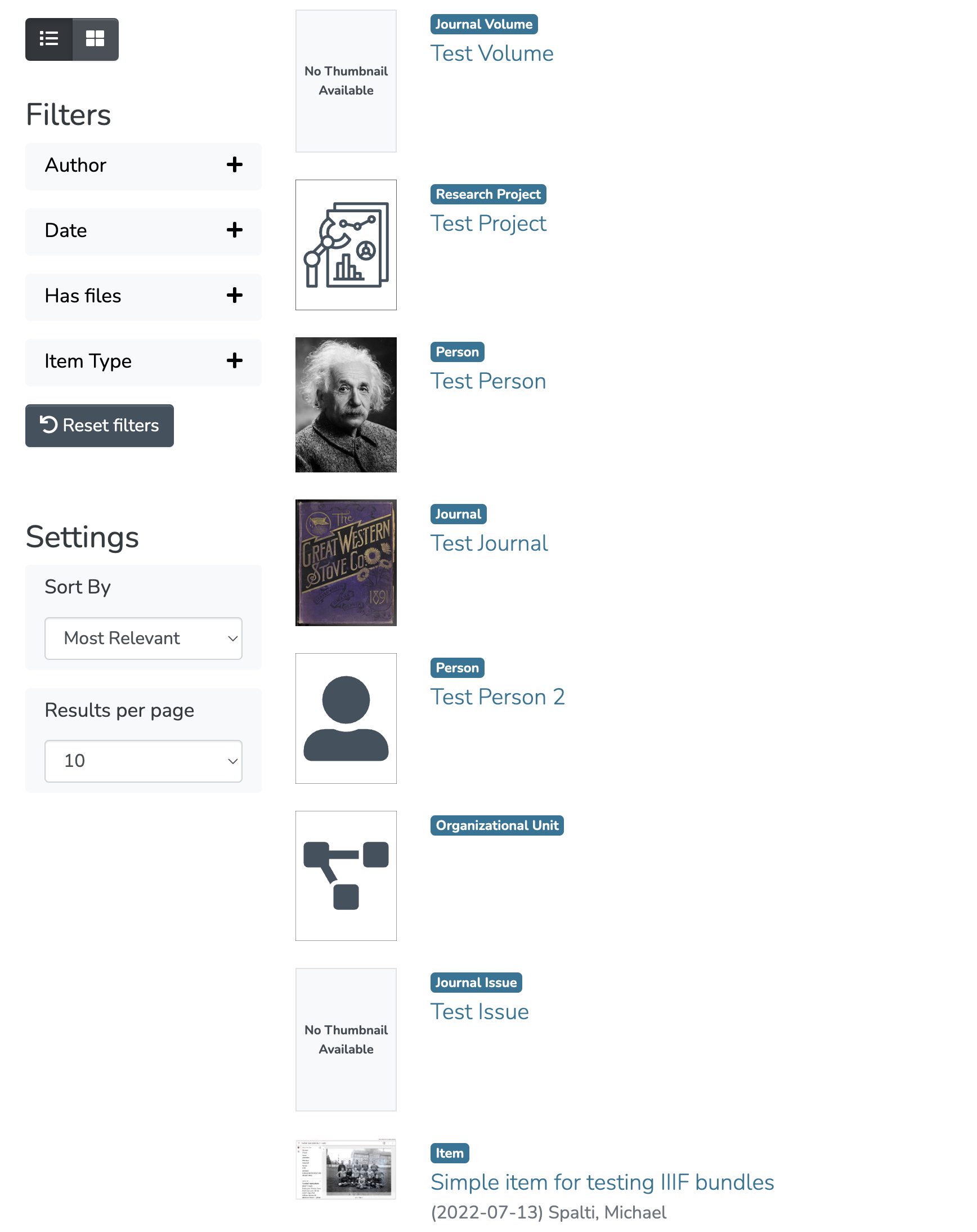
@tdonohue , I think all problems you found are fixed. For the "no thumbnail" font issue, I tried several things. I think the best approach is to add global classes for image placeholder fonts and then set the font-size based on the size of the parent container. The sizes I've chosen seem to work ok for me. For communities and collections in the search result list I'm adding an offset so they align correctly with other items. For entities, I'm adding a thumbnail or using the default svg file when no thumbnail is available for the item.
I also added some specs to be sure thumbnails are added/removed, etc. |
|
Oh, regarding config files I decided to add the thumbnail setting to the |
|
OK. This should be ready for another review. |
|
This pull request introduces 3 alerts when merging b692fa5 into e7dc5f8 - view on LGTM.com new alerts:
|
|
I noticed that subject and author browses were failing because the thumbnail embed was added to metadata browse requests. This is fixed. (BTW I noticed a small unrelated problem. When the user chooses to move between a metadata (author, subject) browse and an item (title, date) browse option an errant request is sent to the server, resulting in a 500 error. This doesn't break the UI. I don't see this already noted in an issue.) Looks like e2e test failed with the latest commit. I suspect that's an unrelated problem. |
|
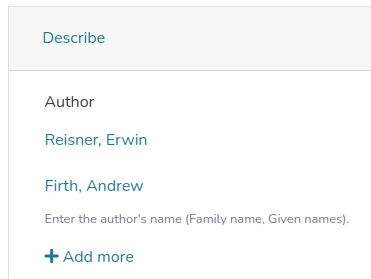
@mspalti About They're represented in a very compact way there, so we shouldn't add thumbnails IMO (or at least not until we can configure them separately from e.g. search/browse)
|
|
Thanks for the screenshot. I agree that thumbnails aren't required. |
|
@tdonohue the merge conflict is fixed. Looks like the e2e failed for 16.x. I assume we just need to run the test again. |
|
@mspalti : Yes, that looks like one of those semi-random e2e test failures. I just restarted the tests on Node 16. |
|
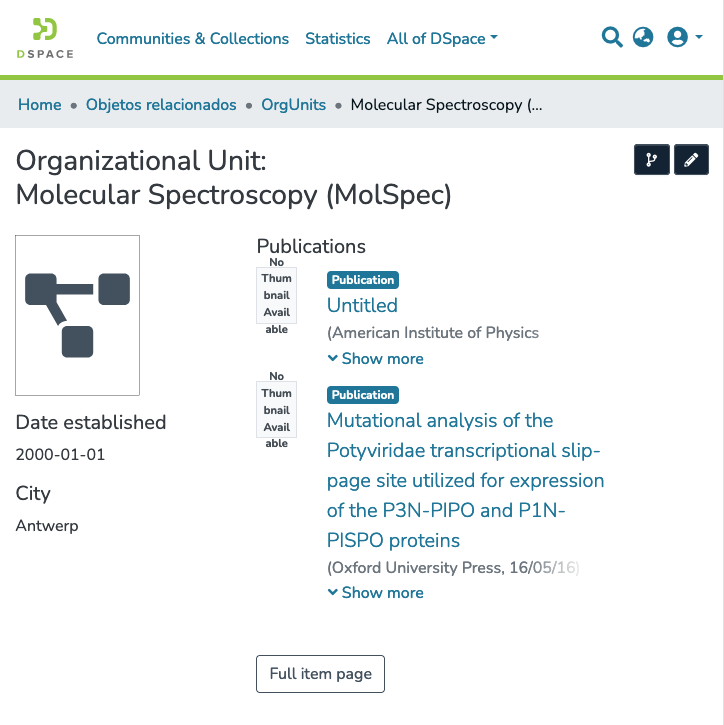
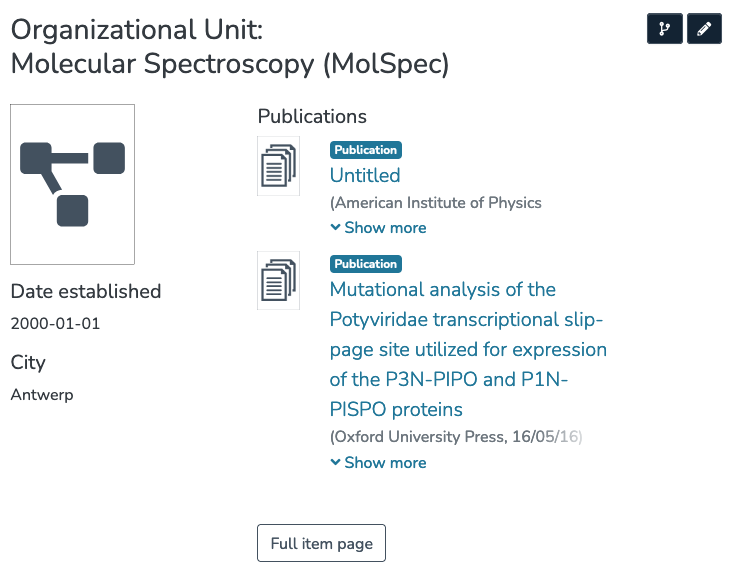
Looked everyhing over again, I'm +1 once we discuss/address one more issue: Font scaling on Relationships on Item pages is still bugged for some "tablet" widths.
|
|
@ybnd , I'm not seeing the font issue that you encountered. The font sizes aren't truly responsive (because they're not based entirely on css media queries and the viewport size) so perhaps you need to reload the page? For example, if I view the page using a Chrome DevTools phone layout then switch to the iPad layout I see something similar. Reloading corrects the font size. It's true that the font is small. But I think it's readable. BTW, we might be able to make the font size more responsive by using I'll play around a bit with the columns on that page. It may be possible to increase the size of the thumbnail column. I think that would be better, even in the case of actual thumbnail images. All of that said, svg images would be a great improvement! If others agree, it would be simple to add them here if svg's are available.
|
|
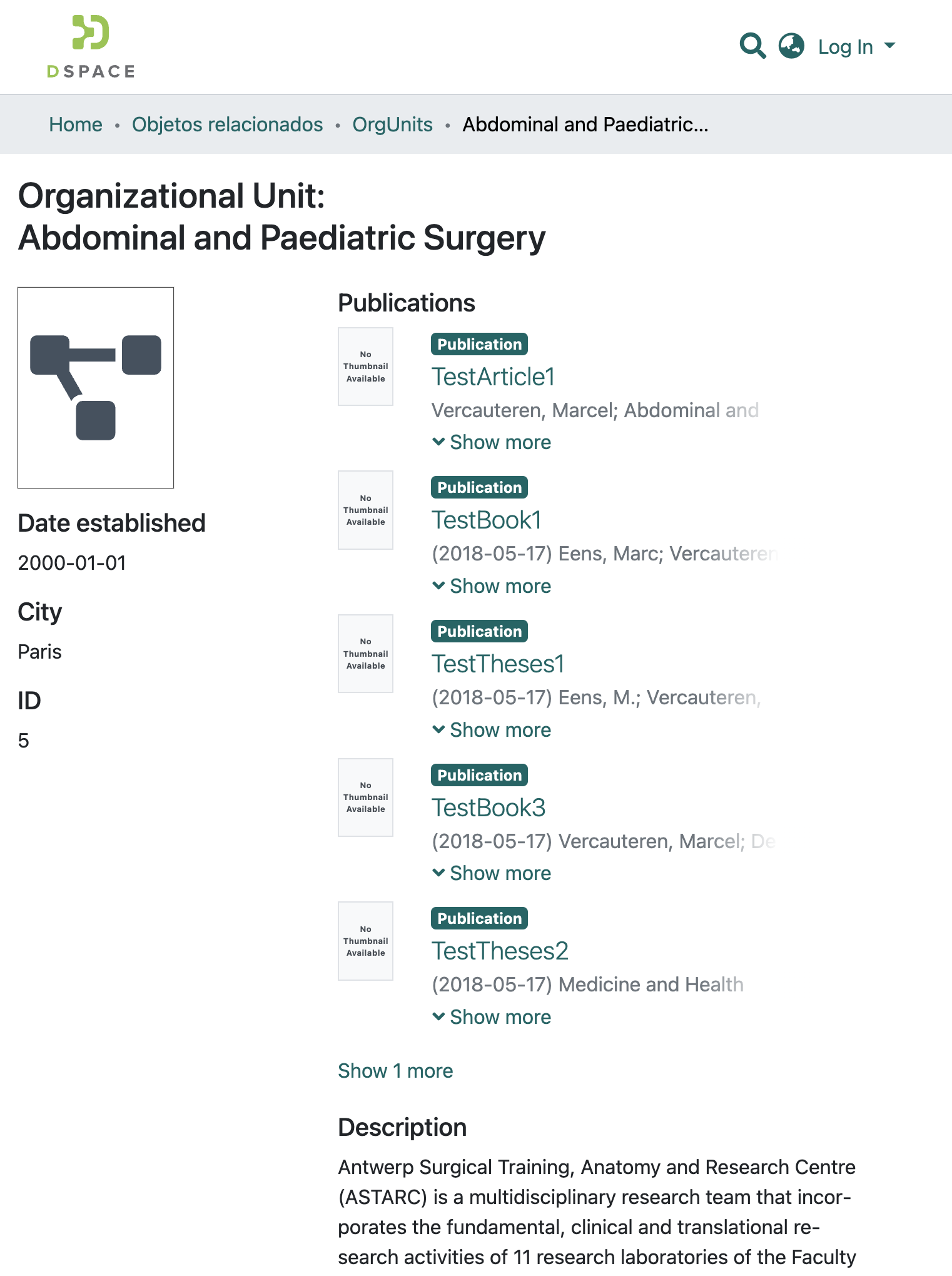
@ybnd we could make the images and font a bit larger and more readable if the left column on the page is I assume that there was a reason for the column widths on this and other entity type pages so I'm not inclined to make this change unless others agree. If there's too much to consider, I suppose we could keep the current column layout and discuss on a separate issue if we want. |
There was a problem hiding this comment.
👍 Thanks @mspalti ! The code looks good and my prior feedback has all been addressed.
I tried to reproduce the font issue that @ybnd reported above. I can briefly see it (it appears to exist in the server-side rendering of the page?) and then it disappears a moment later & I see the same thing as @mspalti (where the font does scale down properly to really tiny, but readable).
It's most easy to reproduce by clicking reload (in your browser) on an OrgUnit page (or similar). When the page initially loads, the "No Thumbnail Available" text is overly large (like @ybnd 's screenshot), but a moment later it resizes (like @mspalti 's screenshot). It almost seems like the server-side rendering starts with larger text, and the resize occurs once things switch to client-side rendering. At least this is the behavior for me on both Chrome & Firefox. Because it resizes itself appropriately, I don't think this is something that should hold up this PR.... though maybe we can improve it in the future in a later PR.
So, all in all, I'm +1 getting this into 7.4.
|
@tdonohue nice catch. I should have thought to test in production before calling it good! The element reference on the sever side doesn't have a width so the default (large) font was being chosen. I added platform detection to the components. In the server context the font is hidden and appears correctly formatted on browser execution. |
Fixes #1744
Fixes #1745
Description
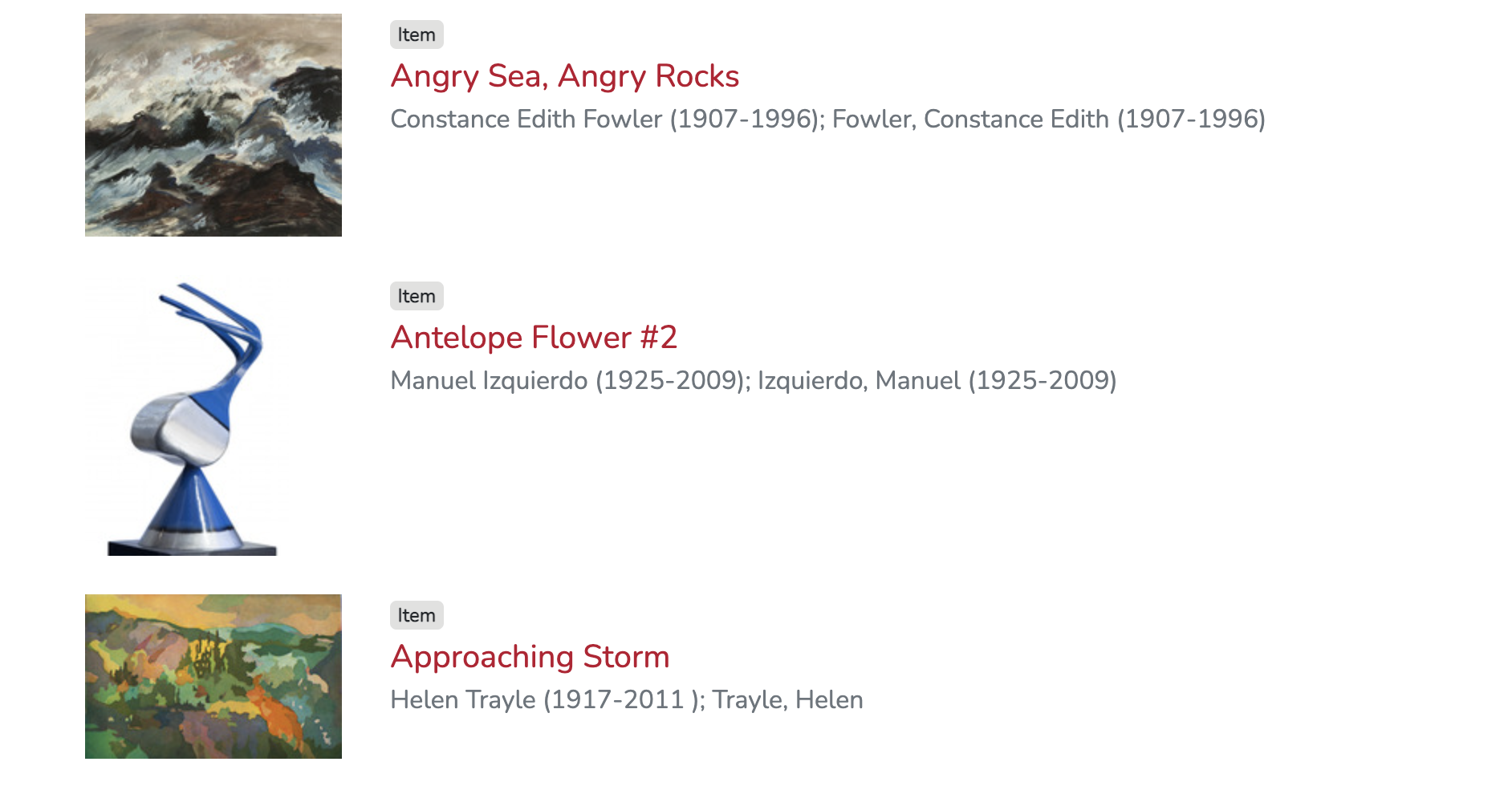
Introduces a new Angular configuration option to display Item thumbnail images in browse and search result lists.
Instructions for Reviewers
If the new configuration option is set to be
trueyou should see thumbnail images in browse and search results. (The default setting is false). To test, add the following to your config.dev.ymlshowItemThumbnails: trueWhen true, the new configuration option tells the application to embed thumbnail info in the item reponse. This step was necessary for browse requests; thumbnail info is already included in search responses so there's no change in that case.
The new configuration option also tells Angular when to show the thumbnail in the list view.
The effect is global. I looked at making a themeable version of
ItemSearchResultListElementComponentsince that might make it possible to add the thumbnail per individual collection. But I came to the (perhaps mistaken) conclusion that this component is not themeable.List of changes in this PR:
Sample:
Checklist
This checklist provides a reminder of what we are going to look for when reviewing your PR. You need not complete this checklist prior to creating your PR (draft PRs are always welcome). If you are unsure about an item in the checklist, don't hesitate to ask. We're here to help!
yarn run lintpackage.json), I've made sure their licenses align with the DSpace BSD License based on the Licensing of Contributions documentation.